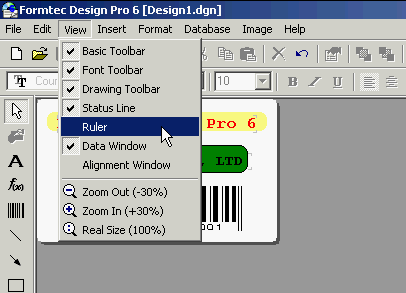
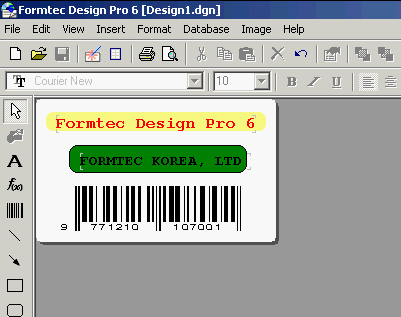
1. When the program is installed, it will automatically show up. If you deselect those in View > Ruler, then it will not show up on screen. On the label sheet, check the ruler by clicking the right button of mouse.
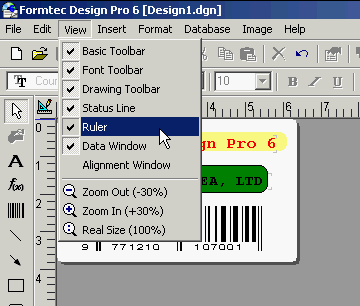
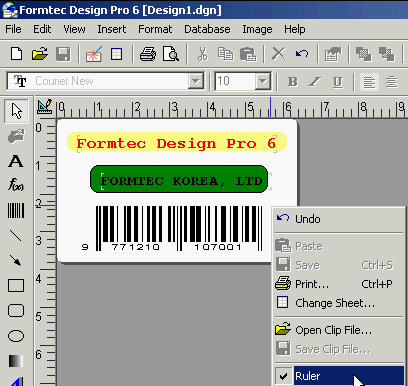
2. If you select it again in View > Ruler or click the right button of mouse to select the Ruler, then the Ruler will popup on Screen again.